Essential Cookies
Are necessary for the website to function and cannot be switched off in our systems as they enable core website functionality
Your Cookies, Your Choice: As outlined in our Privacy Notice, we use cookies and similar technologies to enable some of our website`s functions, to analyze our traffic, and to optimize your experience. You can turn off cookies at any time by using the Cookie Settings option.
For more support or to provide feedback please see our Discord
Discord
Publisher: Pochemu Ltd
Developer: Pochemu Ltd


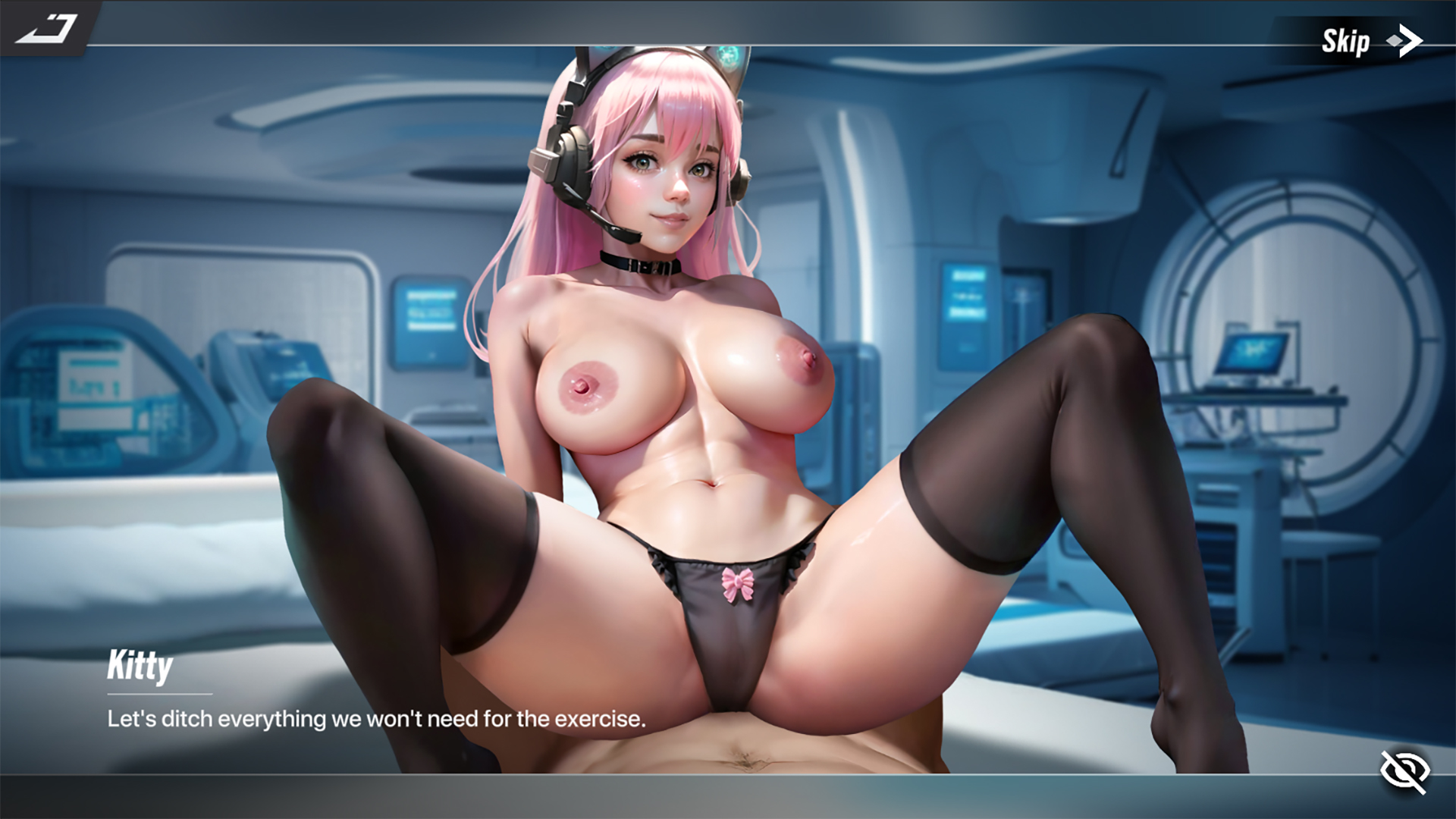
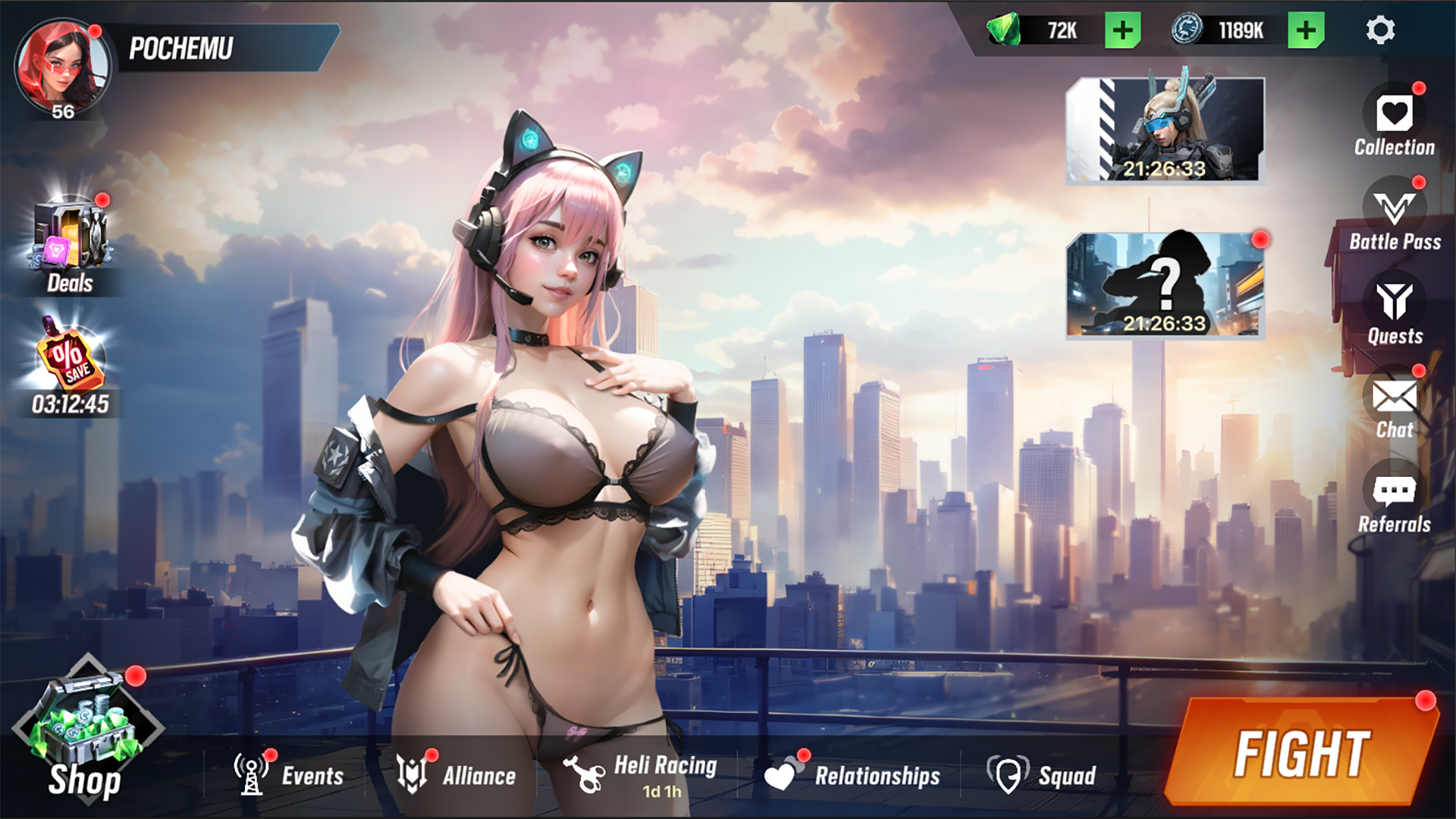
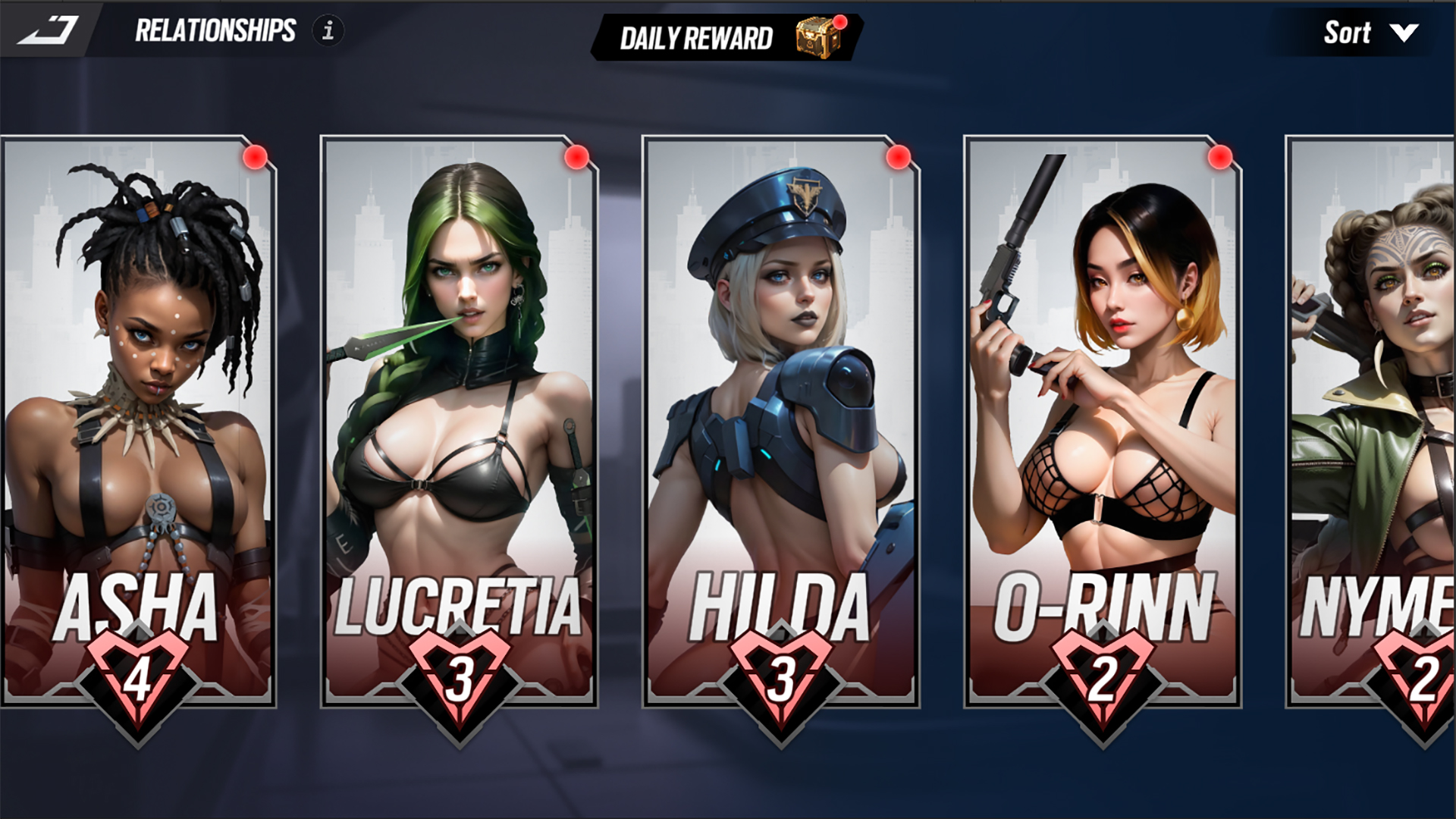
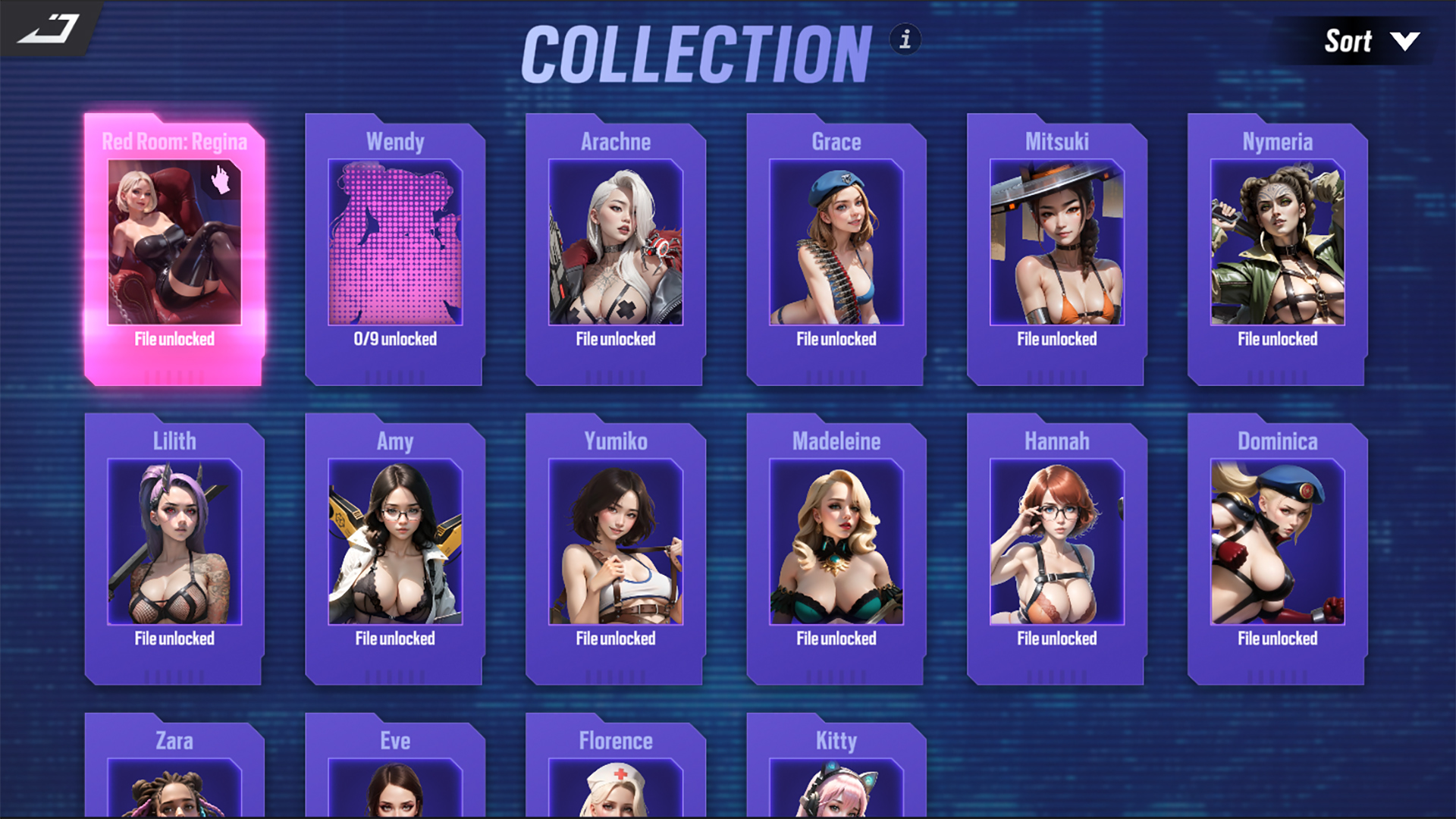
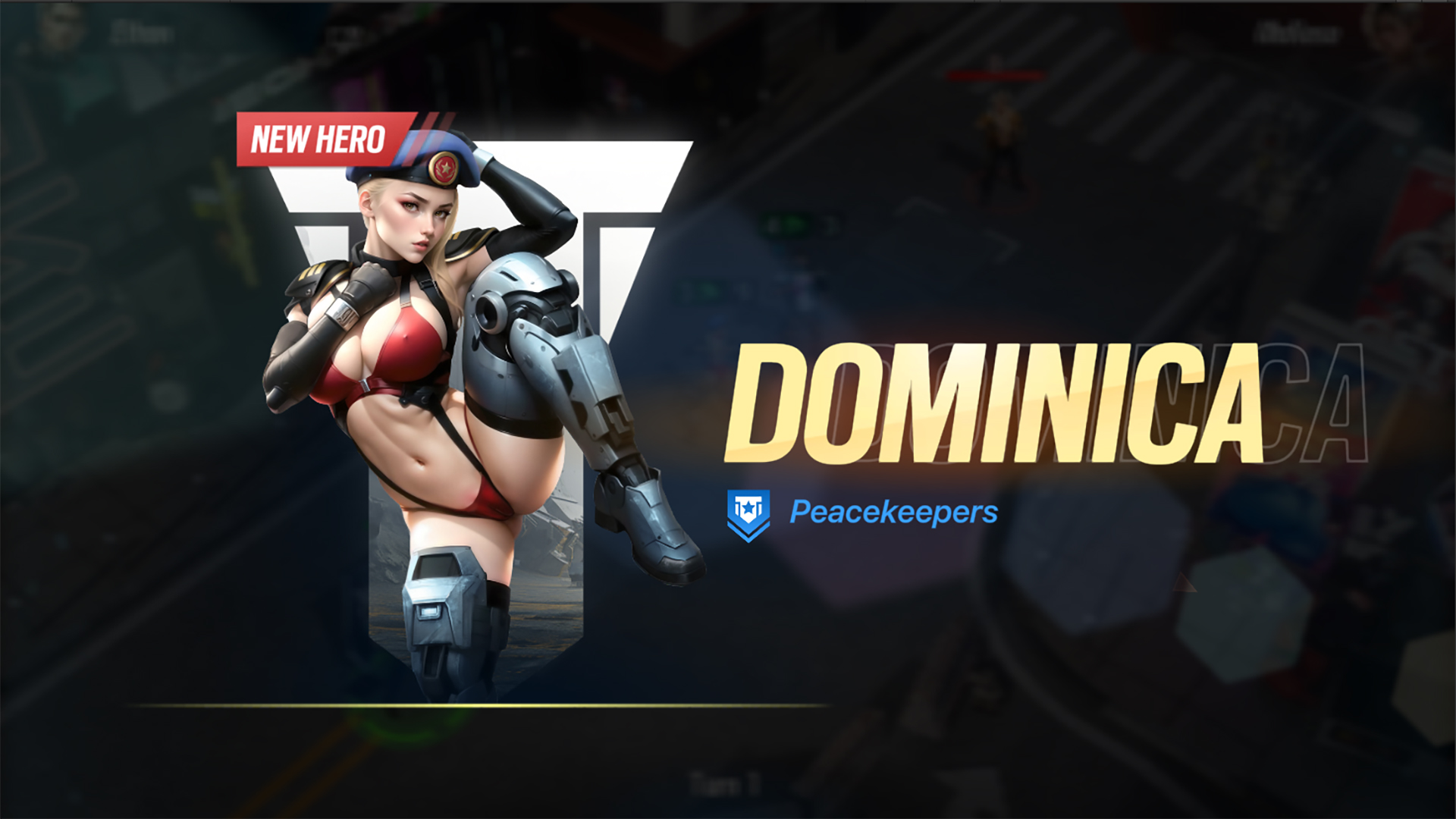
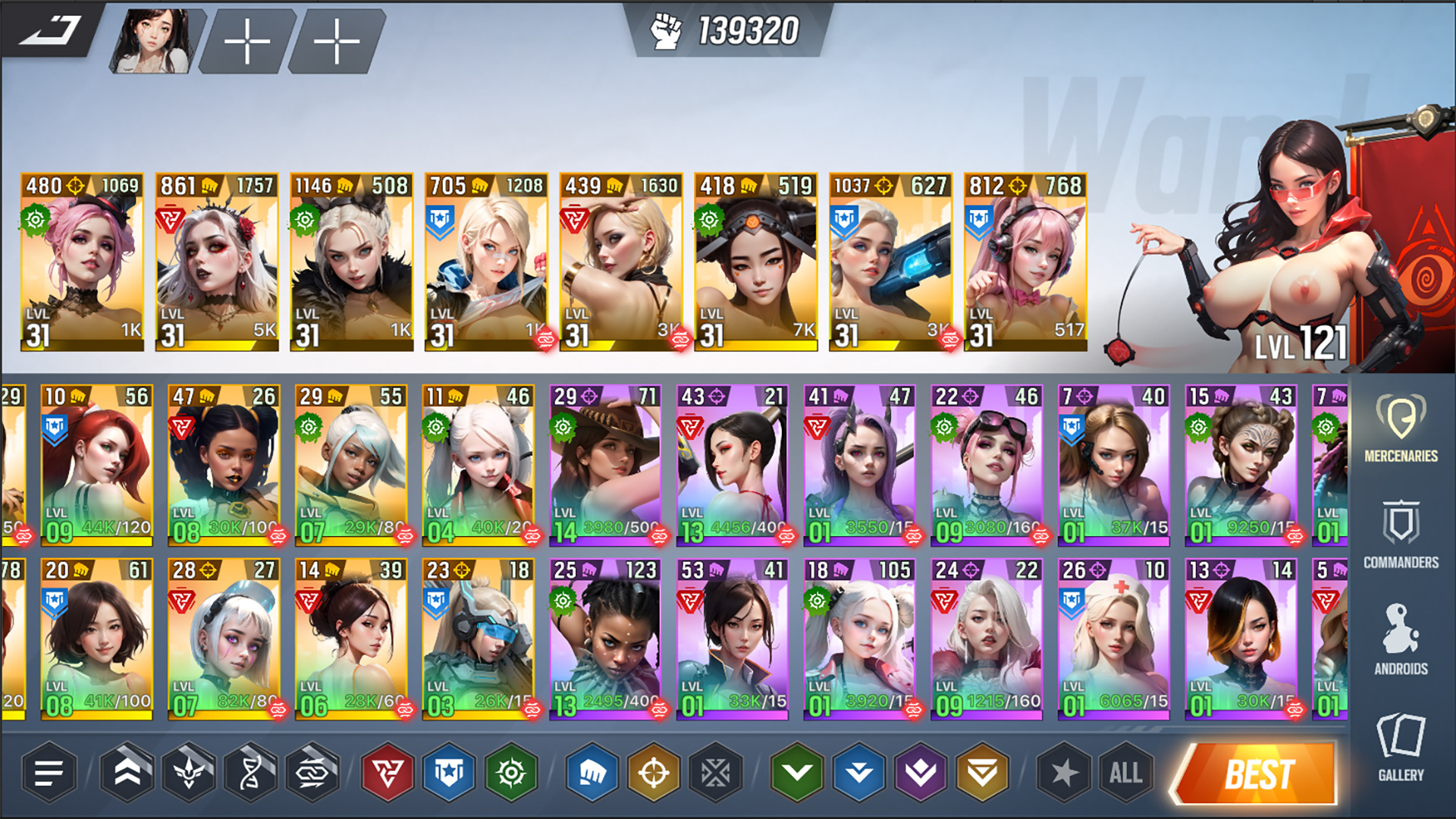
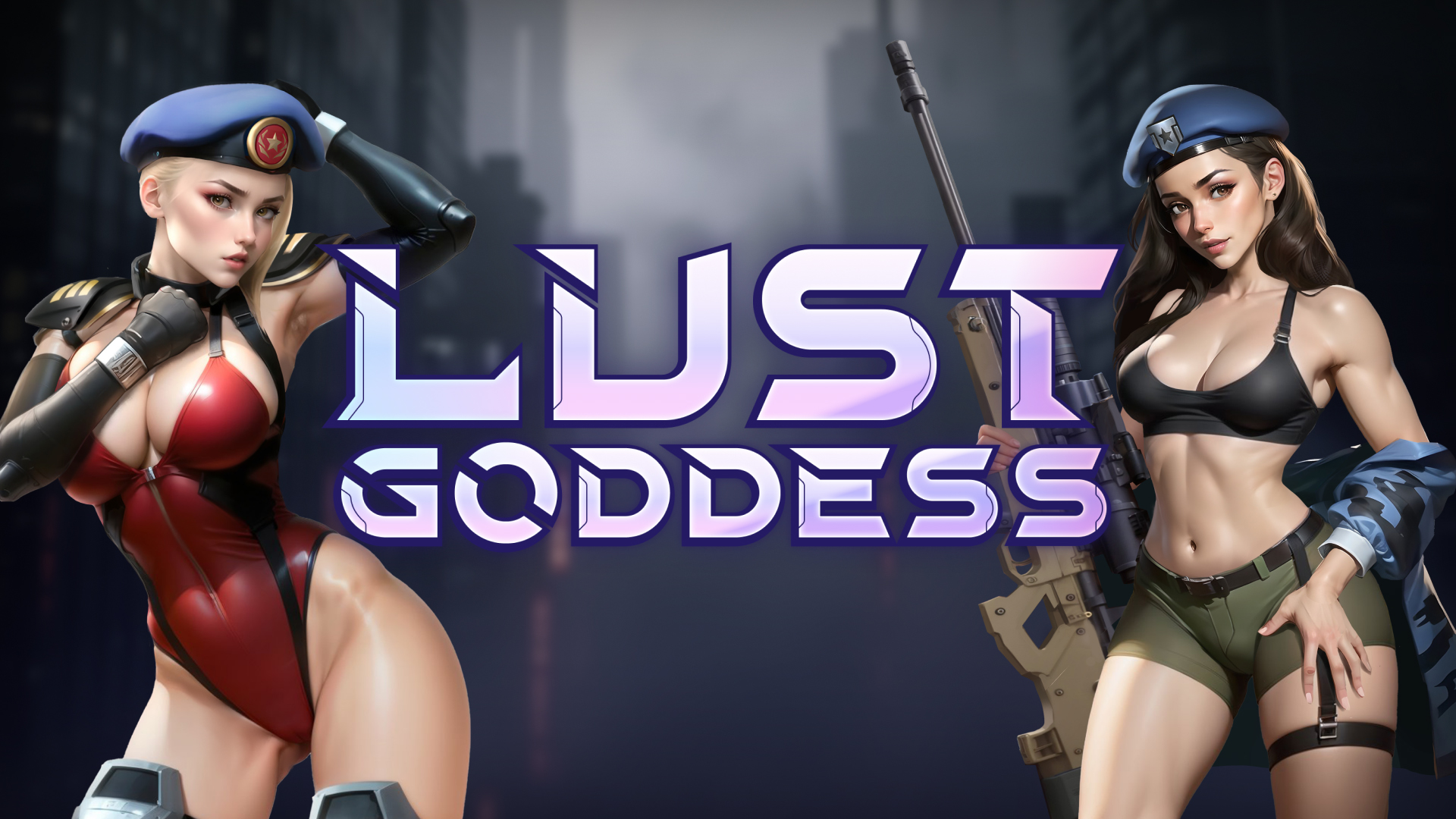
Lust Goddess is a hot and thrilling colectible card game, in which you will assemble your unique squad of sexy mercenary girls. Earn their love and trust, and they will show you their gratitude by bringing your wildest and lewdest fantasies to life!
* Free Games may include in-game purchases.
YOU'VE AWAKENED IN A FUTURE WORLD
As the Captain of a squad of mercenaries who are eager to serve you. Are you ready for the challenges you will face? Then go ahead and prove to them that you're the best Captain they've ever had!

SHOW YOUR DOMINANCE
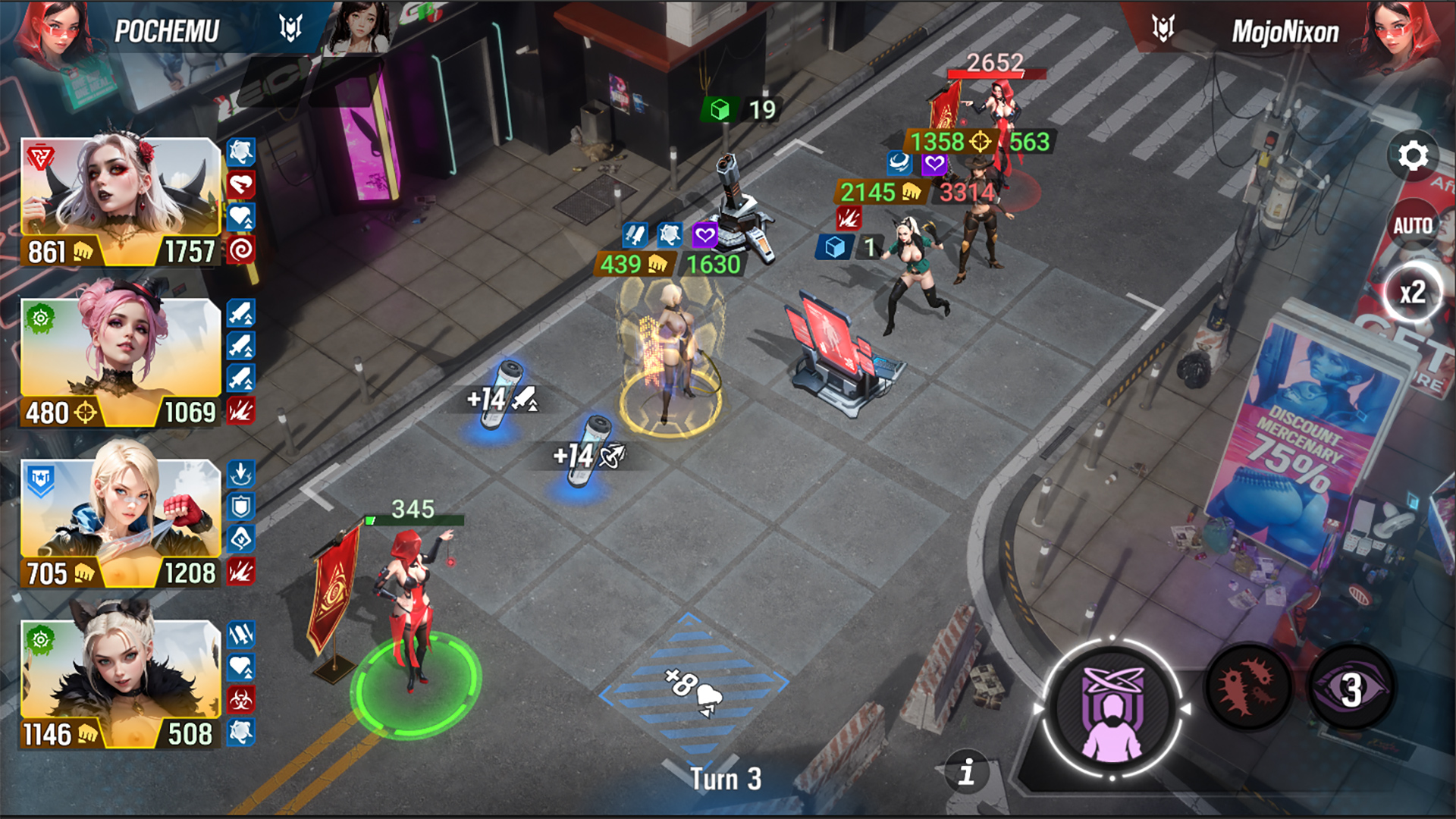
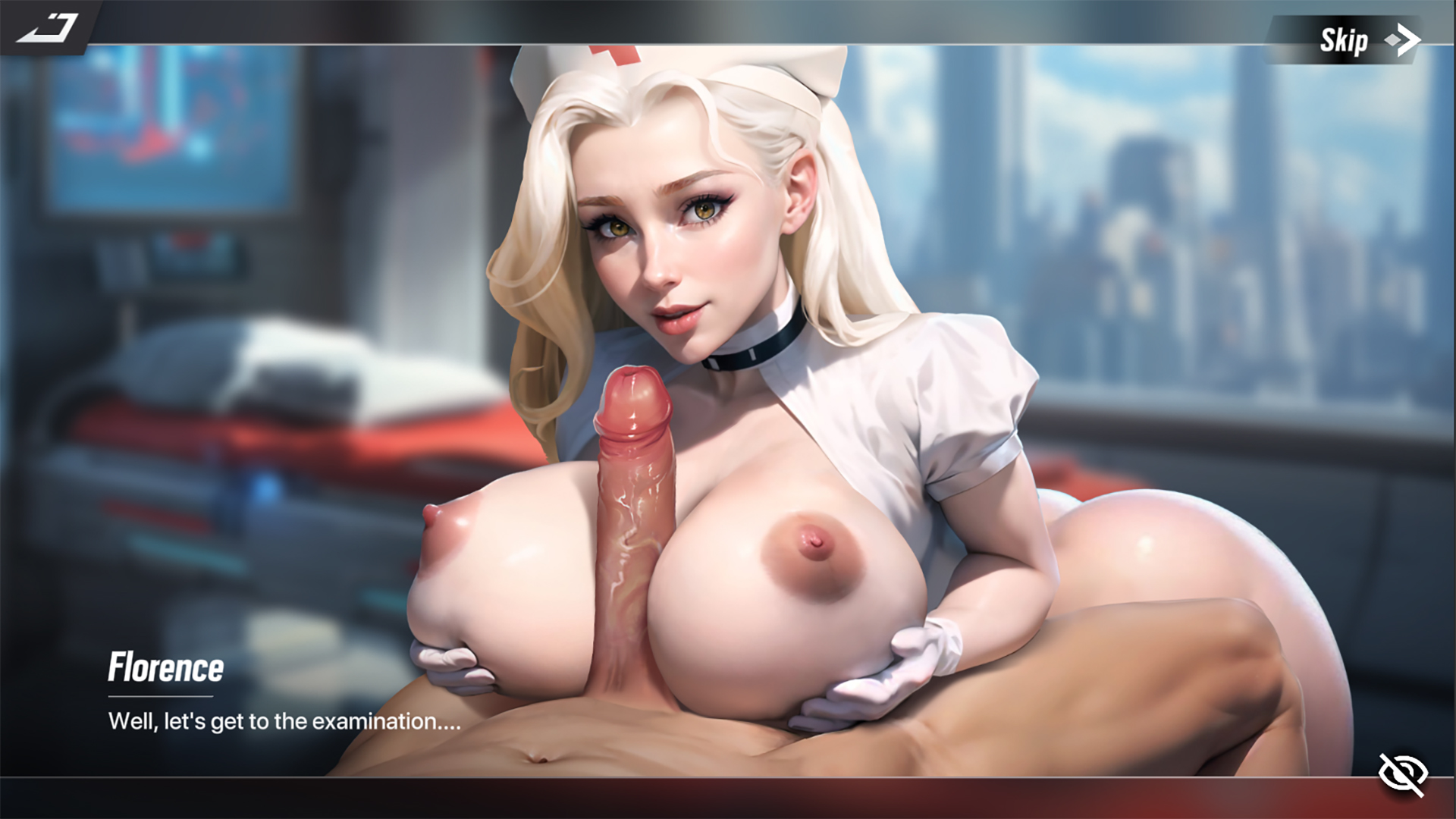
Fight in exciting and colorful turn-based battles. The city is swarming with bandits who turn girls into slaves. Rescue the poor girls, and they will join your squad and show you their gratitude!

EARN THE LOVE OF YOUR MERCENARIES
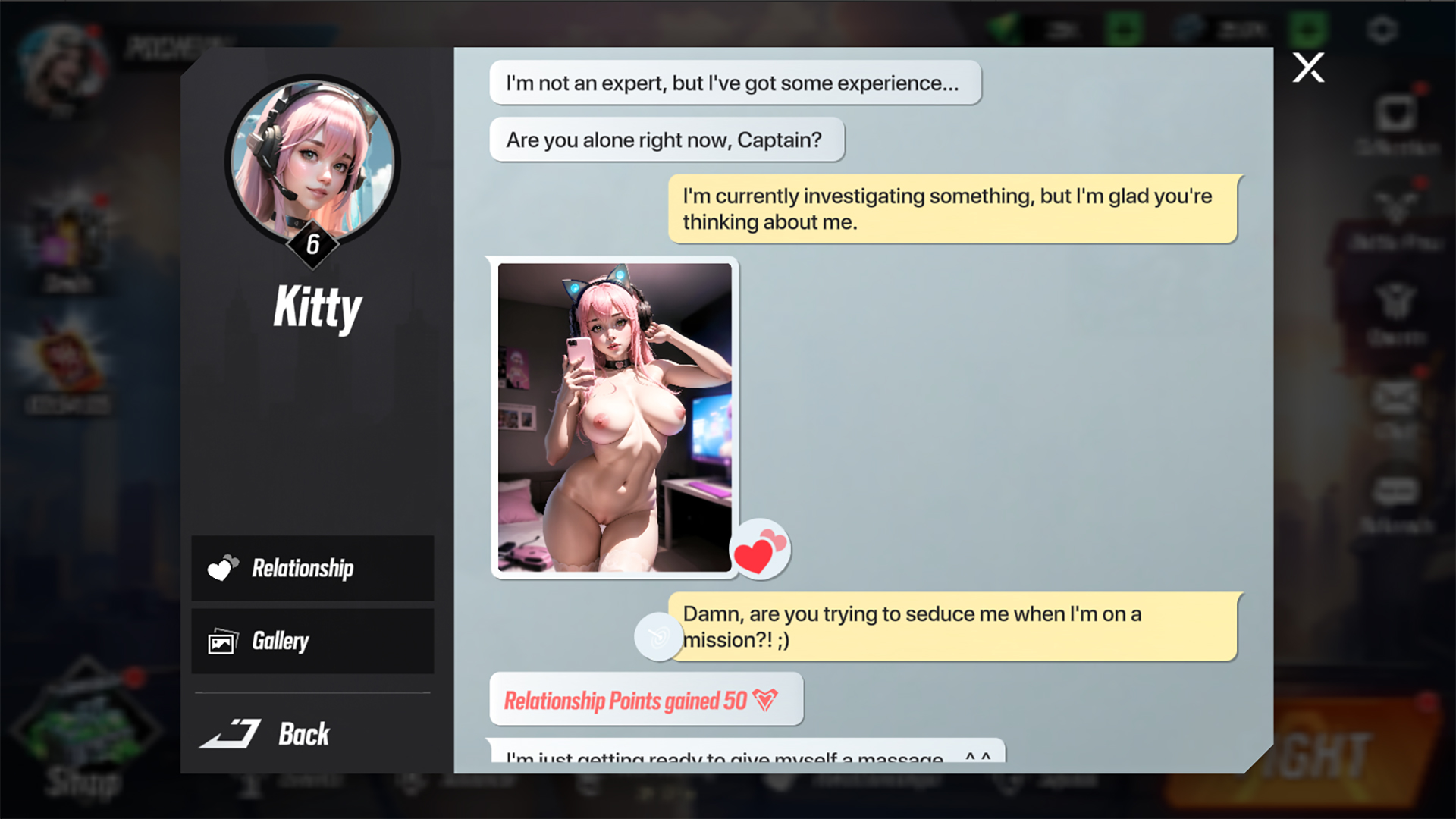
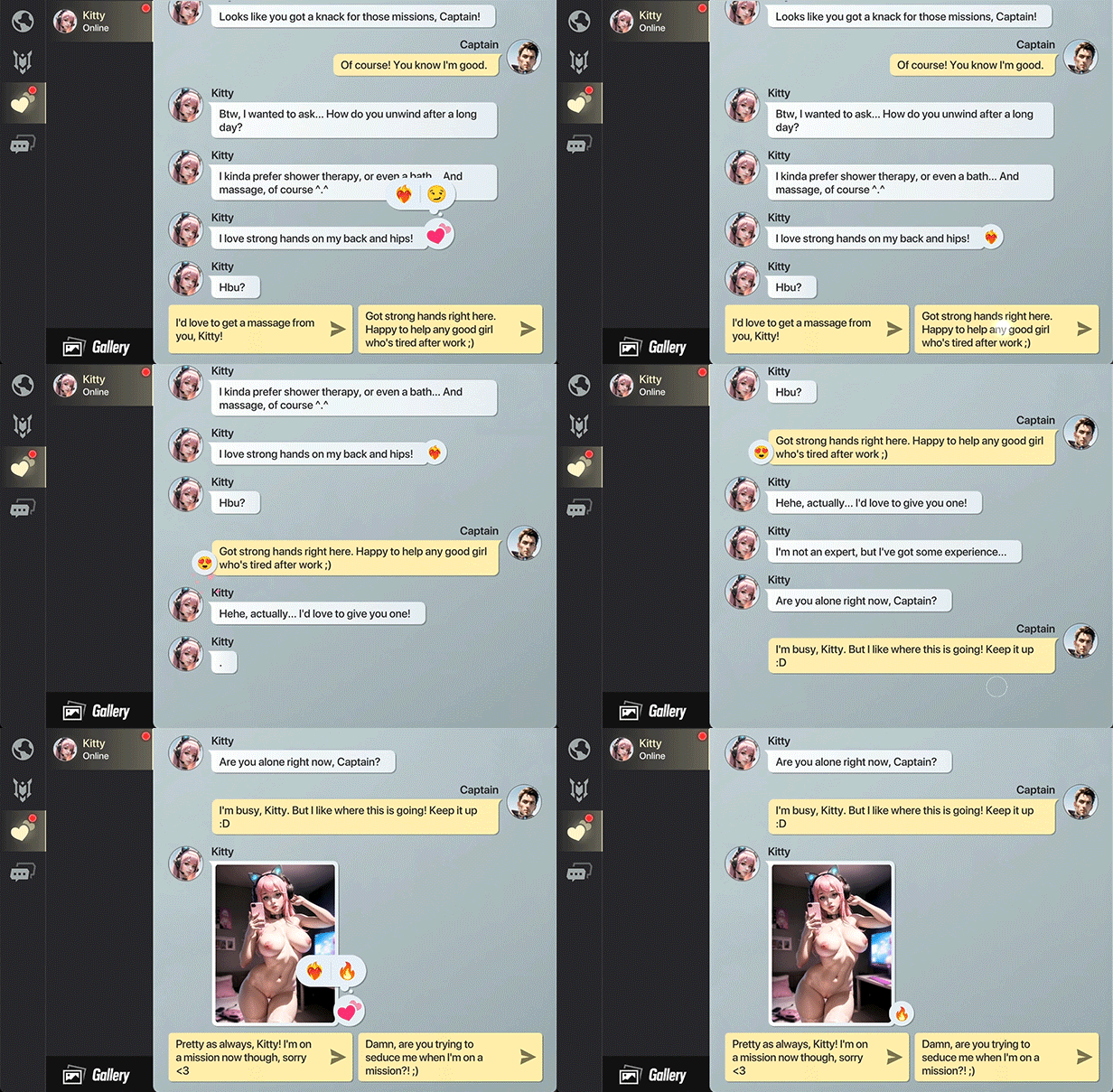
Engage in juicy chats with your girls and receive their steamy photos. Each one of them has their own personality, likes and dislikes, and, of course, fetishes... They will be more than happy to bare it all before you!
The game news feature is not currently available for new posts. Please check the game’s social media links for the latest game news and updates.
Search Nutaku for a game title, genre or tag
Oops nothing found for ""
Try again, hentai warrior! We're not going anywhere. Check your spelling or try another search

Download Requires a Computer
The files can only be downloaded using a computer.
Please switch to your desktop or laptop to continue the download process. Check the Video or Text Instruction tab for more details.
Text Instruction
What is SideStore and system requirements
The SideStore enables non-jailbroken iOS devices the ability to install apps manually, giving you access to NSFW games that aren’t available in the app store.
The following sections will guide you on the required files that need to be downloaded and installed, as well as step-by-step instructions on how to set up the SideStore and how to install apps on your device. Note that once you have completely set up the SideStore, future installations will only require you to download the Game Installation File (.IPA) and to carry out the game installation steps.
Please note that in order to follow this guide you will need access to a macOS (10.14 or higher) or Windows (10 or higher) computer.
Install iTunes and iCloud

Connect your device to your computer and enable Developer Mode

Install and Launch the SideStore on your device

Create and Import the Pairing File

Download and connect to SideStore’s VPN (LocalDevVPN)

Installing Nutaku Games Via the SideStore

Download Requires a Computer
The files can only be downloaded using a computer.
Please switch to your desktop or laptop to continue the download process. Check the Video or Text Instruction tab for more details.
Text Instruction
What is SideStore and system requirements
The SideStore enables non-jailbroken iOS devices the ability to install apps manually, giving you access to NSFW games that aren’t available in the app store.
The following sections will guide you on the required files that need to be downloaded and installed, as well as step-by-step instructions on how to set up the SideStore and how to install apps on your device. Note that once you have completely set up the SideStore, future installations will only require you to download the Game Installation File (.IPA) and to carry out the game installation steps.
Please note that in order to follow this guide you will need access to a macOS (10.14 or higher) or Windows (10 or higher) computer.
Install AltServer on your Computer

Connect your device to your computer and enable Developer Mode

Install and Launch the SideStore on your device

Create and Import the Pairing File

Download and connect to SideStore’s VPN (LocalDevVPN)

Installing Nutaku Games Via the SideStore

FAQs: Installing Games with SideStore
Download Requires a Computer
The files can only be downloaded using a computer.
Please switch to your desktop or laptop to continue the download process. Check the Video or Text Instruction tab for more details.
Text Instruction
What is AltStore and system requirements
The AltStore enables non-jailbroken iOS devices the ability to install apps manually, giving you access to NSFW games that aren’t available in the app store.
The following sections will guide you on the required files that need to be downloaded and installed, as well as step-by-step instructions on how to set up the AltStore and how to install apps on your device. Note that once you have completely set up the AltStore, future installations will only require you to download the Game Installation File (.IPA) and to carry out the game installation steps.
Please note that in order to follow this guide you will need access to a macOS (10.14 or higher) or Windows (10 or higher) computer.
Install iTunes and iCloud

Connect your device to your computer and enable Developer Mode

Install and Launch the AltStore on your device

Installing Nutaku Games Via the AltStore

Download Requires a Computer
The files can only be downloaded using a computer.
Please switch to your desktop or laptop to continue the download process. Check the Video or Text Instruction tab for more details.
Text Instruction
What is AltStore and system requirements
The AltStore enables non-jailbroken iOS devices the ability to install apps manually, giving you access to NSFW games that aren’t available in the app store.
The following sections will guide you on the required files that need to be downloaded and installed, as well as step-by-step instructions on how to set up the AltStore and how to install apps on your device. Note that once you have completely set up the AltStore, future installations will only require you to download the Game Installation File (.IPA) and to carry out the game installation steps.
Please note that in order to follow this guide you will need access to a macOS (10.14 or higher) or Windows (10 or higher) computer.
Install AltServer on your Computer

Connect your device to your computer and enable Developer Mode

Install and Launch the AltStore on your device


Installing Nutaku Games Via the AltStore

FAQs: Installing Games with SideStore
Download Requires a Computer
The files can only be downloaded using a computer.
Please switch to your desktop or laptop to continue the download process. Check the Video or Text Instruction tab for more details.
Text Instruction
What is Sideloadly and system requirements
Sideloadly is a tool that facilitates sideloading on iOS devices. It enables non-jailbroken iOS devices the ability to install apps manually, without having to rely on Apple’s App Store, giving you access to NSFW games that aren’t available in the app store.
The following sections will guide you on the required files that need to be downloaded and installed, as well as step-by-step instructions on how to set up the Sideloadly and how to install apps on your device. Note that once you have completely set up the AltStore, future installations will only require you to download the Game Installation File (.IPA) and to carry out the game installation steps.
Please note that in order to follow this guide you will need access to a macOS (10.14 or higher) or Windows (10 or higher) computer.
Install iTunes and iCloud

Connect your device to your computer and enable Developer Mode

Install Sideloadly on your Computer

Installing Nutaku Games Via Sideloadly

Download Requires a Computer
The files can only be downloaded using a computer.
Please switch to your desktop or laptop to continue the download process. Check the Video or Text Instruction tab for more details.
Text Instruction
What is Sideloadly and system requirements
Sideloadly is a tool that facilitates sideloading on iOS devices. It enables non-jailbroken iOS devices the ability to install apps manually, without having to rely on Apple’s App Store, giving you access to NSFW games that aren’t available in the app store.
The following sections will guide you on the required files that need to be downloaded and installed, as well as step-by-step instructions on how to set up the Sideloadly and how to install apps on your device. Note that once you have completely set up the AltStore, future installations will only require you to download the Game Installation File (.IPA) and to carry out the game installation steps.
Please note that in order to follow this guide you will need access to a macOS (10.14 or higher) or Windows (10 or higher) computer.
Install Sideloadly on your Computer

Connect your device to your computer and enable Developer Mode

Installing Nutaku Games Via Sideloadly

FAQs: Installing Games with SideStore
Premium Feature Locked
Quickly install allows you to quickly install a game directly to your iOS device without having to download or use any other software.
This feature is available on iOS devices only. To unlock it, you need to be using an iOS device and have made a purchase within the past 60 days.
Premium Feature Locked
Quickly install allows you to quickly install a game directly to your iOS device without having to download or use any other software.
This feature is available on iOS devices only. To unlock it, you need to be using an iOS device and have made a purchase within the past 60 days.
Go to Gold StoreOops, something went wrong!
We are sorry, but an unknown error has occurred. Please try again later or contact support if the problem persists.
By reporting this game that you think is inappropriate, you are helping to protect the Nutaku community as well as the integrity of our platform. Thank you!
Thank you for your report
If we find this game to be in violation of our Terms of Service, we will take appropriate actions.
We are sorry, but there was an error in submitting your report. Please submit your report again and if it persist please contact our support team.
Download the Game on Your Android device
1. Download the game using the button below.
2. Once the download is complete, open the Android App (Apk).
3. Follow the Android installation instructions.
4. Your game is now ready to be played from your phone!
Download Error!Your game files are unavailable for download at this time.Please refresh the page or try again later.
If the problem persists, please contact customer support
Download Error!File not found.Please refresh the page or try again later.
If the problem persists, please contact customer support
Two-Factor Authentication Enabled
For more information about Two-Factor Authentication please contact support.
This website contains age-restricted materials.
If you are under the age of 18 years, or under the age of majority in the location from where you are accessing this website you do not have authorization or permission to enter this website or access any of its materials.
If you are over the age of 18 years or over the age of majority in the location from where you are accessing this website by entering the website you hereby agree to comply with all the TERMS OF USE.
You also acknowledge and agree that you are not offended by nudity and explicit depictions of sexual activity.
By clicking on the "Enter" button, and by entering this website you agree with all the above and certify under penalty of perjury that you are an adult.
Customize Cookies
Essential Cookies
Are necessary for the website to function and cannot be switched off in our systems as they enable core website functionality
Functional Cookies
Help us to personalize and enhance your online experience on our site
Analytics Cookies
Allow us to measure & improve the performance of our site
Targeting Cookies
Allow us to provide relevant ads & content based on your browsing activity